Contact Form 7 is a powerful plugin for creating forms in WordPress. In this video tutorial, we will guide you through the process of adding a name field to your Contact Form 7 form. By collecting names from users, you can personalize your communication and gain a...
Blog
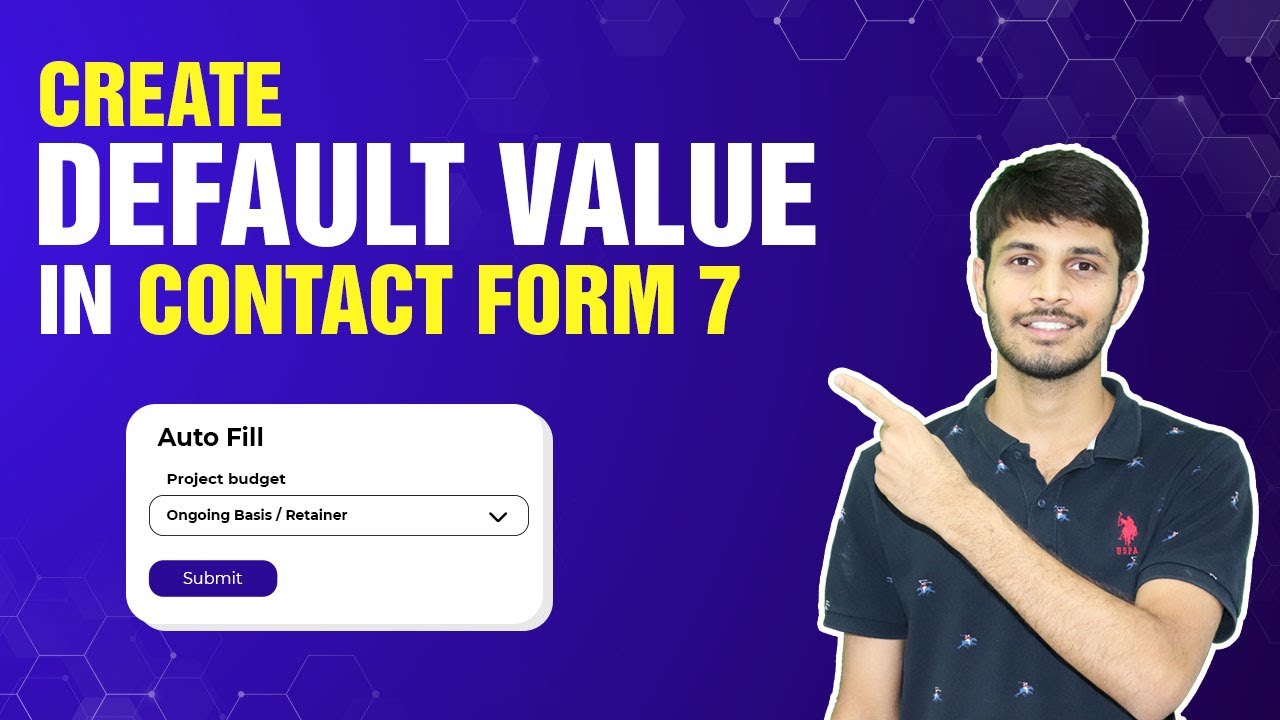
How To Set Default Field Options In Contact Form 7
Contact Form 7 is a popular plugin for creating forms in WordPress. In this video tutorial, we will walk you through the process of setting the default field option in Contact Form 7. By preselecting a default option in a dropdown menu field, you can enhance the user...
How To Set Up Message Filter For Contact Form 7 In WordPress
In this tutorial, we will guide you through the process of setting up a message filter for Contact Form 7 in WordPress. By implementing a message filter, you can prevent certain words or phrases from being submitted through your contact form. This helps you maintain...
How To Customize Or Add An Address Field Using Forminator Forms In WordPress
Forminator is a powerful form builder plugin for WordPress that allows you to create and customize forms with ease. In this tutorial, we will guide you through the process of adding an address field to your Forminator form. By following these step-by-step...
How To Add Likert Scale Field In Contact Form 7
Contact Form 7 is a popular WordPress plugin that allows you to create and manage contact forms on your website. If you want to add a Likert scale field to your Contact Form 7 forms, this step-by-step guide will walk you through the process. By following these...
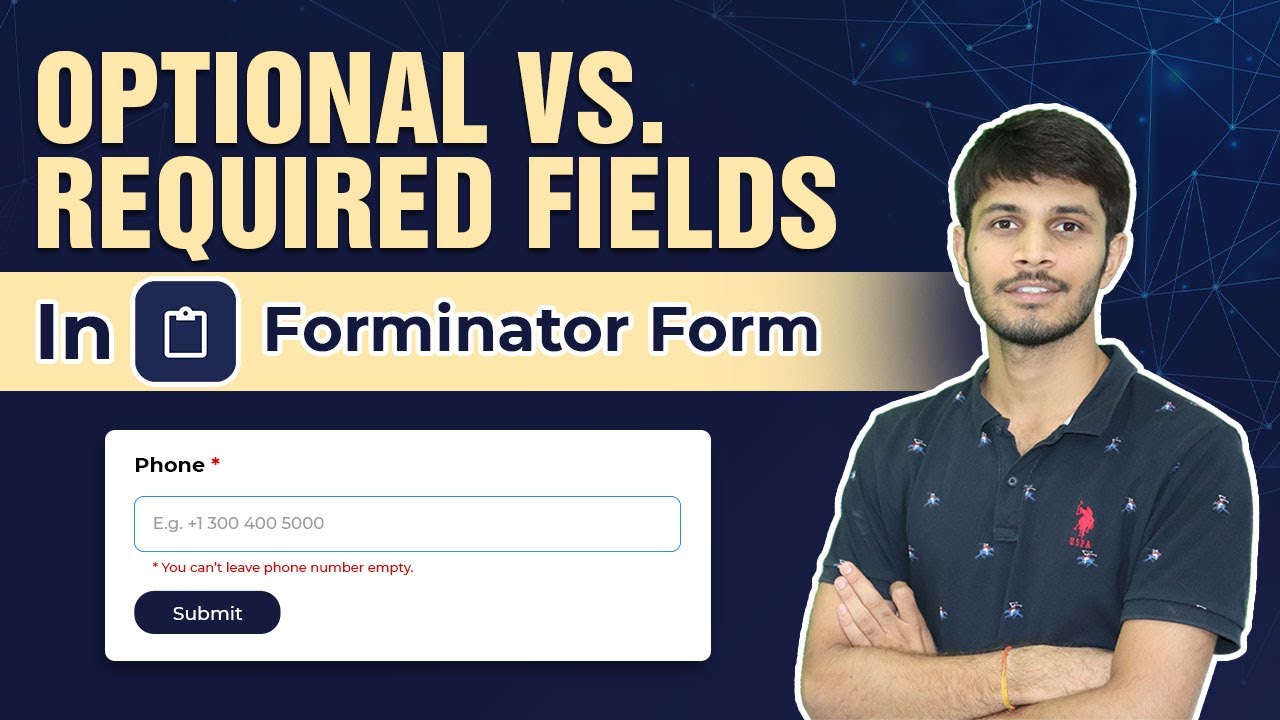
How To Make Contact Forms Field Optional Or Mandatory In WordPress
Forminator Forms is a powerful WordPress plugin that allows you to create and manage custom forms on your website. In this tutorial, we will learn how to make contact fields optional or required using the Forminator Forms plugin. Whether you want to allow users to...
How To Edit Or Change Validation Message In Contact Form 7
Contact Form 7 is a widely used WordPress plugin for creating and managing contact forms on websites. In this tutorial, we will learn how to change the validation messages in Contact Form 7. By customizing these messages, you can provide clearer instructions and...
How To Edit, Delete, Or Duplicate The Fields Of A Contact Form In WordPress
In this tutorial, we will explore how to edit, duplicate, and delete fields in a contact form using the Forminator Forms plugin in WordPress. These features provide flexibility and customization options, allowing you to tailor your contact form to meet specific...
How To Add A Name Field In Forminator Forms In WordPress
In this tutorial, we will guide you through the process of adding a name field to your Forminator Forms in WordPress. The name field allows users to input their names, providing a personalized touch to your forms. Let's get started with the step-by-step instructions....
How To Limit Options For Date Or Time Field In Contact Form 7 In WordPress
In this tutorial, we will demonstrate how to limit options for the date field in Contact Form 7, a popular WordPress plugin. By setting specific date ranges, you can control which dates users can select in the form. Let's begin with the step-by-step instructions. You...
How To Configure A Custom Confirmation Message In WordPress
In this tutorial, we will guide you through the process of configuring a custom confirmation message using the Gravity Forms plugin. Gravity Forms is a powerful WordPress plugin that allows you to create and manage forms on your website. By customizing the...
How To Add Image Re-captcha In Contact Form 7
In this video tutorial, we will guide you through the process of using image recaptcha with the Contact Form 7 plugin in WordPress. Image recaptcha is a security feature that helps protect your forms from spam and automated submissions. By following these steps, you...